Understanding colour systems is vital when you want your packaging design to look good in real life as it does on a computer screen.
Although you can give this task to your graphic designer and print manufacturer, knowing the industry’s standards for colour can aid your selection process and level expectations about the printing outcome.
This article is primarily about CMYK, but we’ll also touch on the other two most prominently used colour modes in the design world—RGB and Pantone. Color models are the building blocks that represent an image and have their own gamut or colour ranges. They achieve unique levels of colour detail according to their number of channels or colours.Their comparison can deepen your appreciation of CMYK as the most effective colour model for printing.
Defining CMYK
What is the CMYK Color Model?
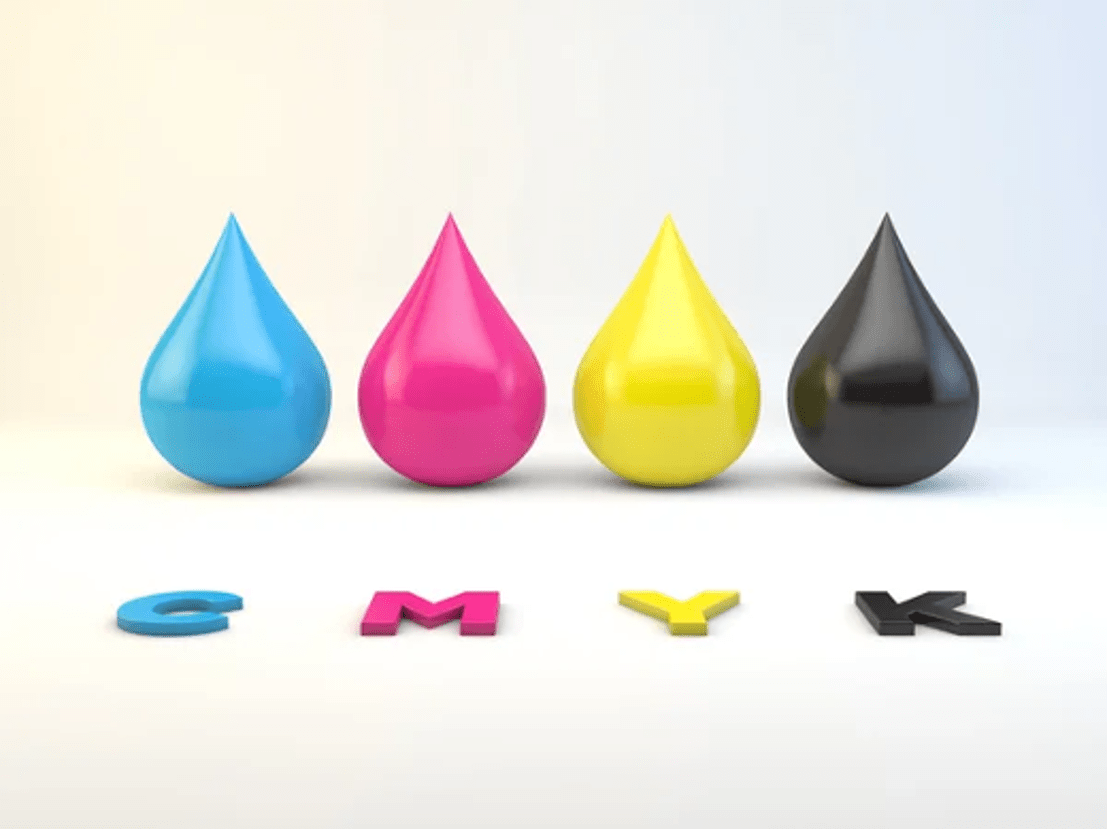
CMYK stands for Cyan, Magenta, Yellow, Key (Black) and is used for printed materials. In the CMYK colour model, all colours start out as white, until layers of cyan, magenta, yellow and/or key (black) ink are added to reduce the initial brightness until the desired colour is achieved.
CMYK stands for the four ink colours used in printing—cyan, magenta, yellow, and black. The CMYK system blends these colours to create about16,000 variations. In the colour wheel:
Cyan falls between blue and green, but most people see it more as the former colour. It’s similar to sky blue or the aqua blue colour seen in tropical ocean waters.
Magenta falls between red and blue, but most consider the colour closer to red instead of blue. It’s comparable to fuchsia and hot or deep pink. People associate this colour with bougainvillea flowers and orchids.
Yellow is the lemon yellow, canary yellow, and gold hues we see in nature, such as sunflowers, daffodils, and sunshine.
Black is the colour of coal, volcanic rock, and some gemstones like obsidian and onyx. The other meaning of “K” is “key” because the black ink plate provides fine details, depth, and contrast in the resulting image. Thus, “key plate” is the other term referring to the black plate.
In theory, mixing cyan, magenta, and yellow results in black. In reality, however, their combination results in a muddy dark gray. Moreover, a 100% three-colour blend soaks the paper in ink, slowing down the drying process.
How Does CMYK Work?
When you bring your packaging design to a commercialoffset printer such as Refine Packaging, the company separates your file into component colours using what’s known as the colour separation process.
Each CMYK ink colour has a separate printing plate, and the ink transfers or offsets from this plate onto a rubber blanket and then on paper as tiny dots. The colours become solid and continuous as the dots overlap until the four-colour process or process printing is complete.
Meanwhile, digital printing doesn’t require colour separation. The ink goes directly onto paper instead of plates, making them a cost-effective option if you have a lower quantity printing order.
The printer copies the image from your file. From there, individual CMYK colour droplets produce the illusion of a coloured image. Inkjet printers use ink while laser printers—used in commercial applications—use toner.
To improve our understanding of CMYK, we must compare it with the RGB and Pantone colour models.
RGB
Graphic and packaging designers refer to RGB—red, green, blue—as desktop colours because they represent the coloured lights used on electronic displays (computer monitors, mobile devices, TV sets, and digital cameras), whether it’s for videos, websites, and apps.
Moreover, this colour model offers the most expansive range of colours—16.7 million in all. As a result, discrepancies occur between colours on screen and print, as CMYK has a narrower colour gamut.
RGB vs. CMYK: Additive vs. subtractive colour models
When comparing RGB and CMYK, it’s important to know that RGB is an additive colour model, while CMYK is a subtractive colour model.
RGB is an additive colour model that combines various intensities of red, green, and blue light to produce other colours. You get pure white when you mix RGB colours at their maximum brilliance. Meanwhile, you must combine the three colours at their lowest intensity (minimal light) to produce black.
The opposite happens with CMYK, a subtractive colour model. Unlike electronic screens, paper isn’t transparent and doesn’t allow light to pass through. One must apply less colour to see white. Images appear with a lighter tone when paper receives fewer ink dots.
Because CMYK inks only reflect light—unlike RGB colours that emit them—it’s best to convert RGB images to CMYK for accurate printing.
Pantone
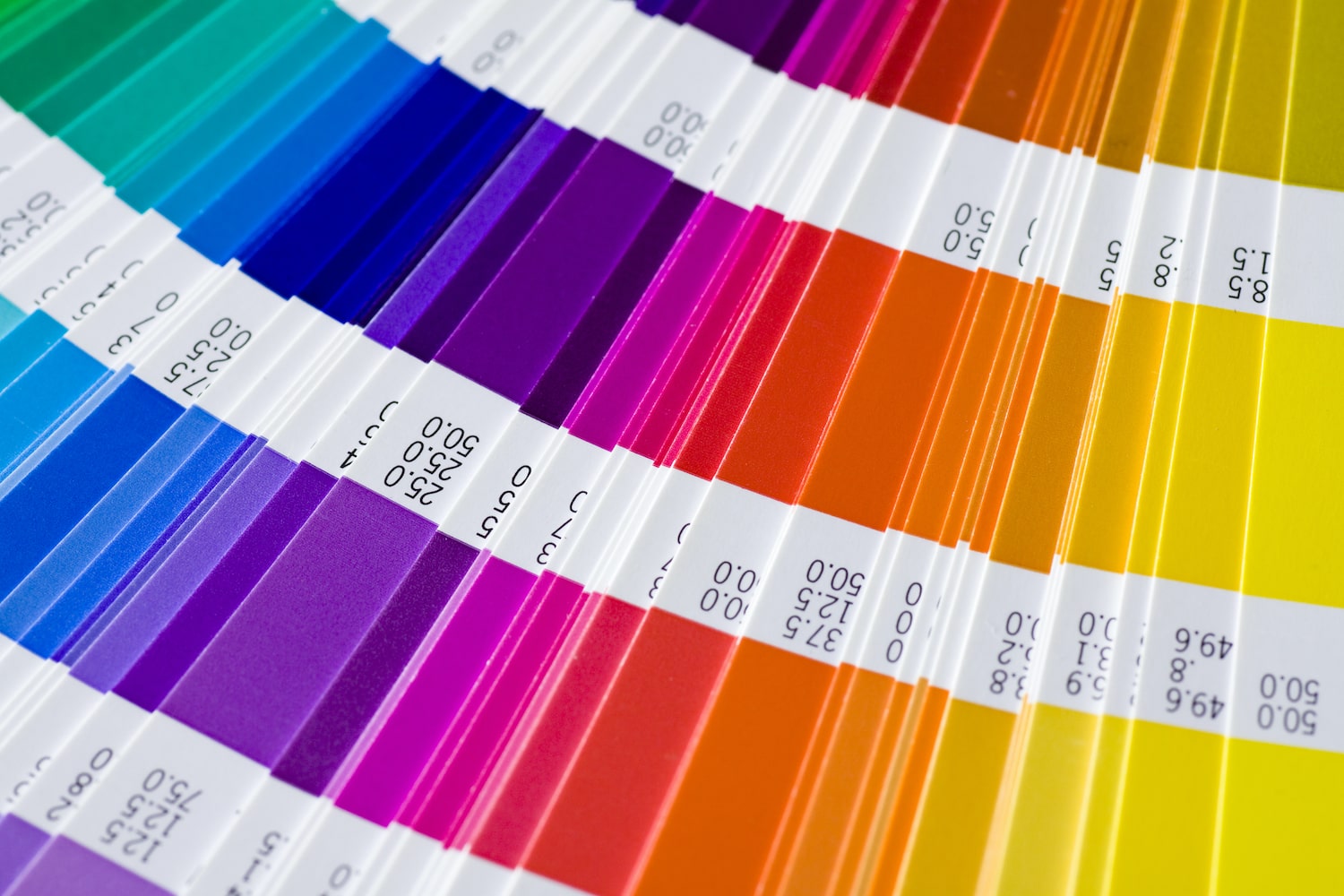
ThePantone Matching System (PMS) follows a numbering system for accurately and quickly identifying colours for printed materials, fabrics, and paints. Every Pantone colour—2,161 of them—has a unique code corresponding to a pre-mixed ink formula, aiming to produce the colours consistently across different projects. These colours include fluorescent and metallic colours, which aren’t available in the CMYK and RGB models.
When you ask a professional printer to match your specific PMS colours, its staff adjusts the digital printer’s colours until the result matches your PMS swatch.
Spot Color
Spot or solid colour is another name for the colour printed on paper using premixed ink to match a PMS, unlike the CMYK process, which involves four layers (one for each colour). In effect, the blending of colours happens before and not during printing for spot colours.
Spot colours consist of a name or number and end with either a C (coated) or U (uncoated), referring to the paper stock type on which to print it.
When to Use CMYK and Spot Color Printing
Here are some tips to help you determine when to use the four-colour or spot-colour printing technique:
CMYK
CMYK or process printing is ideal for projects involving so many colours that using several spot inks would be impractical and expensive. Examples include full-colour photographs, paintings, and very complex coloured images.
CMYK—the most widely used standard digital and offset printing system—is also cost-effective for low-quantity orders with multiple hues and gradients. However, colour-matching won’t be as precise as spot colours. Some printers offer a broader range—also referred to as extended or expanded colour gamut—that includes orange, green, and violet to improve brightness and realism.
Spot Color
You can use spot colour printing for jobs requiring a few (one or two) exact colours, such as your brand colours and business logo, and colours outside CMYK’s colour range—pastels, metallics, and fluorescents. Spot colours would cost you more per order because they require ink colours with specific formulations and a separate plate.
CMYK and Spot Printing
You can use both techniques simultaneously when, for instance, you must print an image (CMYK printing) and your company logo or product name (spot colour) close to each other. Another example is when you want to increase the intensity of a specific process colour or coat portions of a full-colour image with a clear varnish, which is a spot colour.
Below is a quick reference of the three colour models—their characteristics and uses:
Color Model
Color Gamut or Range
Color Production
Used for Printing?
Specific Uses
CMYK
Around 16,000
Color layers printed in succession on packaging material
Color pixels arranged to produce new colours on digital screen
No
Websites, apps, videos
Pantone
2,161
Pre-mixed, solid colour ink applied directly on packaging material
Yes
One to two critical colours (logo, company colours)
Tips for Improving Color Accuracy When Previewing CMYK Colors on Your Screen
Because RGB can display more colours than CMYK, the way you see a design or image on the screen may not be accurately reproduced through the CMYK print process. But you can reduce the discrepancy between the two by following these tips:
1. Calibrate your monitor and perform soft proofing
PC and laptop manufacturers gear factory settings toward film viewers and gaming fans, resulting in high brightness, high contrast, and saturated colours.
Thus, recalibration is necessary when working on packaging designs. Adjust your device’s colour settings (“colour profiles” on Mac) to match your colour standard, particularly the brightness or luminance of your display. Your printouts may appear dark if you’ve been designing and editing on a very bright monitor. Most monitors have built-in calibration tools
D50 is the recommended white point or white balance for LCD monitors when working with still images. White point is the temperature setting that determines the coolness or warmth of your whites.
2. Perform soft proofing
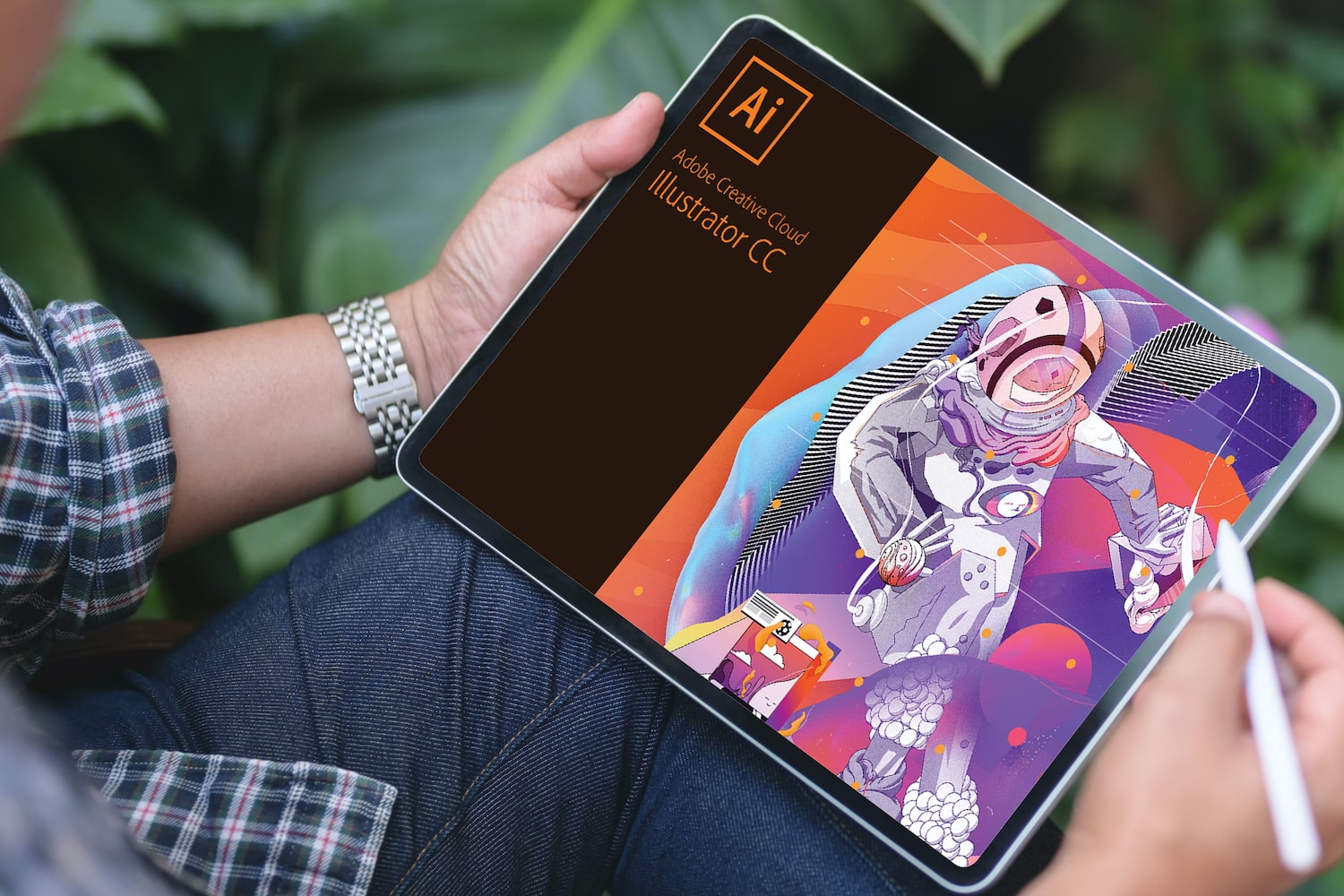
Check your software’s colour management system. Adobe Photoshop and Illustrator’s soft proofing feature lets you view your artwork the way it will appear on a surface when printed by the CMYK method.
3. Refer to colour swatches and guides
Printed samples of colours are a handy reference when checking designs and images on screen and paper.
4. Print a test copy
Make a printed proof to discover colour problems early and avoid surprises from your printer. You can then include the printout closest to your envisioned colours when you submit your digital file to your printing partner.
Use high-quality ink and paper to avoid getting faded results. You should also check your printer nozzle and cartridge in case of banding. Otherwise, you can go to a print shop to produce a test copy for you.
Preparing Your File for Printing
After learning how to make your screen display your packaging design the way it would appear on your chosen material, you must now prepare your file for the printers.
Converting Files to CMYK
Industrial printers typically ask for files in CMYK mode so you must check your packaging design and convert it to CMYK if it’s in the RGB mode. The conversion method will depend on your software. Below, we list the steps required for CMYK conversion for the most widely used platforms.
Adobe Photoshop
Open your image file.
Click on “Image” on the menu at the top of your screen.
Hover over “Mode” to display the options and click CMYK.
Adobe Illustrator
Open your image file.
Click on “File” on the menu at the top of your screen.
Mouse over “Document Color Mode” and select CMYK.
Adobe InDesign
Open your image file.
Click on “File” and choose “Export.”
From the options, select PDF/X-1a:2001. This automatically converts colours to CMYK.
Note that converting from RGB to CMYK may result in some colour data loss and shifts because the CMYK system can’t accurately represent all RGB colours.
Communicating With Your Printer
Printing companies use different machines, so get to know their requirements, limitations, and preferences before sending your design. Ask your printer about their artwork guidelines, which typically includes the correct file format, size, resolution, colour system (some have a unique PDF Preset), printing method and technology, as well as their expectations and deadlines.
Due to technological advancements, some printers can work with files in a specific RGB profile, such as sRGB IEC61966-2.1, which is compatible with most software and devices. When they receive your file, they convert it to CMYK.
Best File Formats for CMYK
We can’t emphasize enough that you’ll need to ask your printer for the file format required for your print project. Nevertheless, we list some of the best file formats below:
.ai (Adobe Illustrator)
Illustrator is the industry standard for vector-based, scalable designs, making it a standard source file for CMYK.
.pdf (Portable Document Format)
PDF preserves all the colour and formatting information in a document and can handleraster and vector images. The file format is also compatible with most programs, making it ideal for CMYK printing.
.eps (Encapsulated PostScript)
EPS is a vector file format and a great alternative to .ai because it opens in non-Adobe software.
.cdr (CorelDraw)
CorelDraw files contain images created using this software, which can also generate text, shapes, and effects. You can convert CDR format to .ai., .pdf, .eps, and .tiff.
.tiff (Tag Image File Format)
Virtually all image-editing and page-layout applications support this flexible raster image file. The format allows you to choose between CMYK and spot colours.
The Reliability of Your Custom Packaging Manufacturer Is Key to Consistent CMYK Printing
Industry insiders predict that the U.S. packaging market will rise by 2.88% to$222.59 billion by 2028 and keep its status as aleading growth driver in the offset printing press market. Digitization has penetrated this printing method, putting it head-on-head with digital printing. Computers now create printing plates, which undergo laser exposure resulting in improved image quality.
Moreover, analysts project a5.19% growth in the North American cardboard market until 2027.
Because colour is the top influencer in buying decisions—at least85% of consumers say so—your printer must have a proven record for consistent quality output.
Our offset printers work with CMYK and PMS spot colours. If your design is in RGB mode, we’ll convert it to CMYK. We haveartwork guidelines to make it easier for you to prepare your file. Also, we’ll show you a digital proof before printing, so you can check whether the colours replicate or are close enough to your initial choices. Besides offset printing, we offerUV coating,foiling, andembossing/debossing.
Refine Packaging is the top choice for the world’s Inc 5000 and Fortune 500 companies. With super fast production times, affordable pricing, and a sky’s the limit attitude, we’ll help you turn your custom packaging into a competitive differentiator. Contact us today and a dedicated packaging specialist will guide you through every step of the custom packaging process without breaking a sweat.
Asif Muhammad is a Co-Founder and Partner at the custom packaging box company, Refine Packaging. Recognized as a recommended packaging firm by Shopify and 99designs, thousands of companies nationwide choose Refine Packaging for their custom boxes and wholesale product packaging needs – including T-Mobile, Adidas, MetLife, Pandora, and Marriott Hotels. Asif’s leadership in the manufacturing industry stems from a mission to make the custom packaging process easier for businesses of all sizes. With 10+ years of packaging and engineering experience, Asif is uniquely suited to help companies think outside the box to create memorable retail packaging.











 Asif Muhammad





.svg)
Share